Visual Storytelling with ScrollStories
A photograph establishes a place. A change of view can turn an argument. A ScrollStory lets words, images, and maps unfold together as the reader moves down the page.
You decide what stays in view, what changes, and when. The reader sets the pace.
Let the words move
Hold a photograph while its passage crosses the screen. Once the words clear the top, the image moves away.
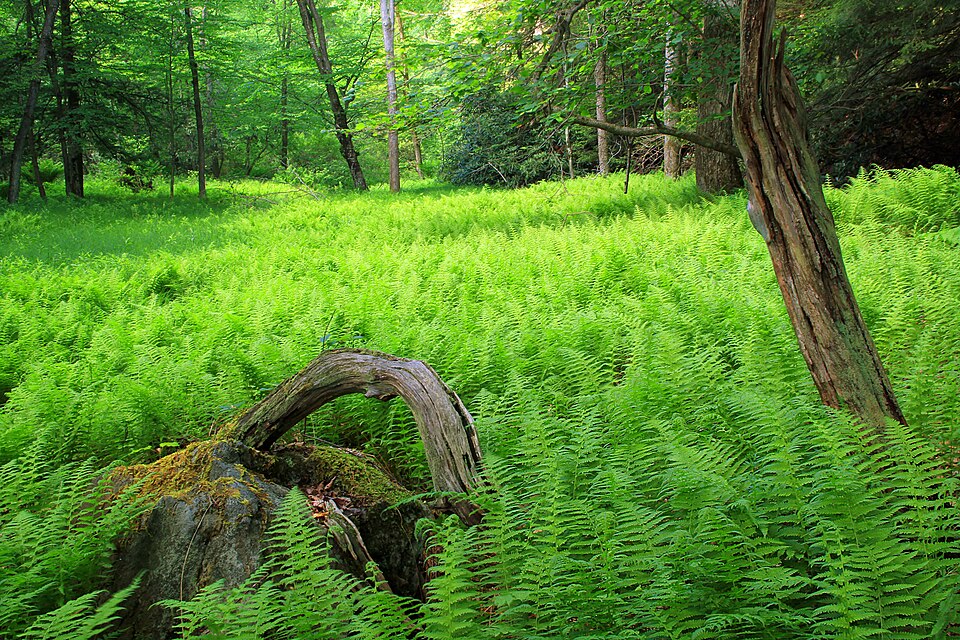
Give the image time
Keep scrolling. The words rise while the photograph stays in view, so you can return to a detail without losing the thread of the paragraph. This is time to look, built into the reading. The reader sets the pace; you decide which image accompanies the thought.
See the text
These are the words and photographs used above, followed by the instruction that places the sequence on the page. Change them in your own copy.
---
layout: default
title: "Let the words move"
story_scenes:
  - image-path: "/scrollstories/forest/images/960px-Fern_Carpet_(9002108266).jpg"
    alt-text: "A thick carpet of ferns beneath tall forest trees"
    heading: "Give the image time"
    text: "Keep scrolling. The words rise while the photograph stays in view, so you can return to a detail without losing the thread of the paragraph. This is time to look, built into the reading. The reader sets the pace; you decide which image accompanies the thought."
---

{% include scrollstory/sequence.html
  scenes=page.story_scenes
  heading="Let the words move"
  heading-level=1
  id="forest-scroll"
  transition="scroll"
%}
Change the view
Hold the frame while the view changes. The second photograph fades in as the first text box reaches the top.
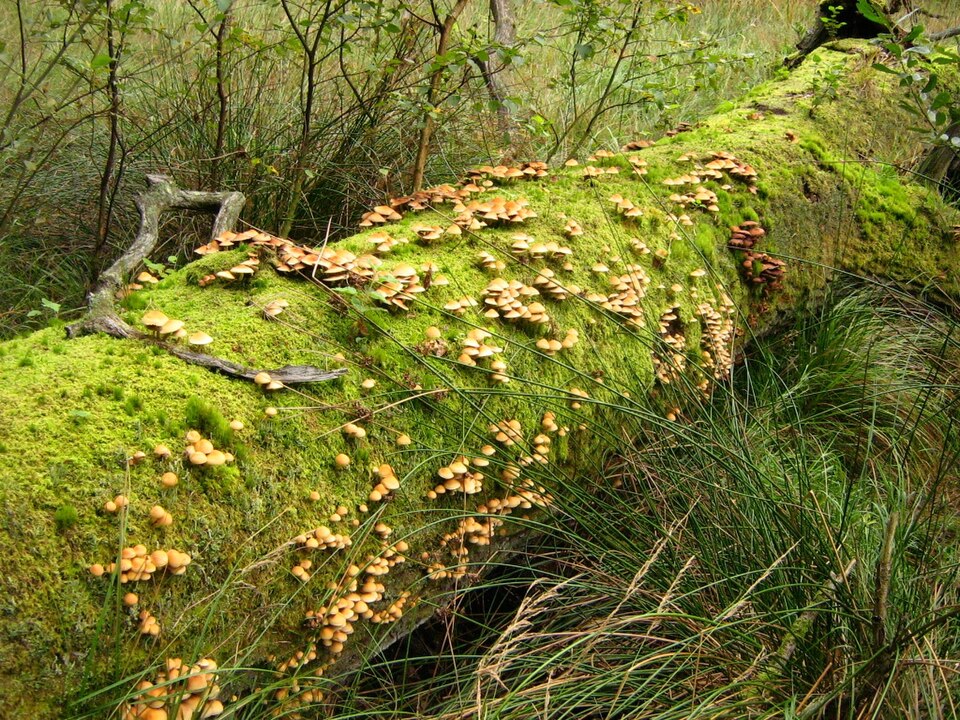
Turn the argument with an image
A new photograph can mark a turn in the argument. Here, fallen wood gives way to new growth: the change suggests a connection before another sentence is read. You might use the same rhythm to compare an archive with the present, or move between two scales of a place.
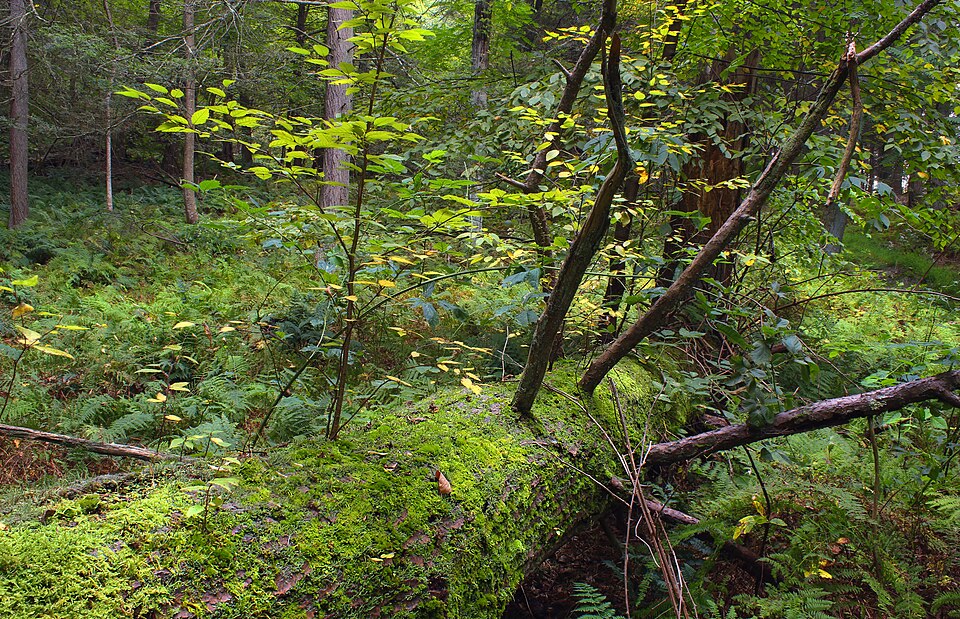
Make the sequence matter
The words tell you what to notice, and the images give that observation something to rest on. Their sequence can reveal a change, connect two pieces of evidence, or carry a reader through a place. Choose movement that helps the story; let a still image linger when it needs time.
See the text
These are the words and photographs used above, followed by the instruction that places the sequence on the page. Change them in your own copy.
---
layout: default
title: "Change the view"
story_scenes:
  - image-path: "/scrollstories/forest/images/960px-Totholz-am-Teufelssee-bei-Thelkow-19-09-2008-036.jpg"
    alt-text: "Mushrooms growing across a moss-covered fallen tree"
    heading: "Turn the argument with an image"
    text: "A new photograph can mark a turn in the argument. Here, fallen wood gives way to new growth: the change suggests a connection before another sentence is read. You might use the same rhythm to compare an archive with the present, or move between two scales of a place."
  - image-path: "/scrollstories/forest/images/960px-Nurse_Log_(8014005473).jpg"
    alt-text: "Young trees and ferns growing along a fallen nurse log"
    heading: "Make the sequence matter"
    text: "The words tell you what to notice, and the images give that observation something to rest on. Their sequence can reveal a change, connect two pieces of evidence, or carry a reader through a place. Choose movement that helps the story; let a still image linger when it needs time."
---

{% include scrollstory/sequence.html
  scenes=page.story_scenes
  heading="Change the view"
  heading-level=1
  id="forest-fade"
  transition="fade"
%}
Follow a journey
Let the map follow the narrative. These two stops use the map from the Old Spanish Trail essay.
Let the map carry the journey
A journey has distance as well as events. As you scroll, the map moves from one stretch of the trail to another, keeping the words near the place they describe. The route gives the narrative a shape a paragraph alone cannot show.
Bring the next place into view
The view shifts across the Mojave while the passage continues. A change of scale lets you move from the whole journey to one crossing or settlement. Choose the view that makes your point clearer, and give your reader time to look before moving on.
See the text
This is one passage from the map above. Its place and scale tell the map where to move. The map image and route are set once, before the passages.
{% include maps/story-map-panel.html
  map-id="trail-intro"
  center="35.3, -116.0"
  zoom=8
  highlight="Mojave Road"
  panel-align="left"
%}

### Bring the next place into view

The view shifts across the Mojave while the passage continues. A change of scale lets you move from the whole journey to one crossing or settlement. Choose the view that makes your point clearer, and give your reader time to look before moving on.

{% include maps/story-map-panel-end.html %}
Open See the text beneath an example to inspect the words and instructions behind it. Borrow an arrangement, then replace its images and passages with your own.
Let the reader linger
Use the form where looking closely matters: a painting, an archive, a field report, or a changing landscape. Ask what the reader should see while reading each passage. Keep movement that helps the argument, and let a still image linger when it needs time.
A ScrollStory can also stay simple, with generous images, captions, and footnotes. You choose the rhythm.
Keep the work in your hands
If you know Esri’s ArcGIS StoryMaps, the reading experience will feel familiar. In Xanthan, the story is part of a website whose files you control. Keep your writing, images, and design together; download the project, revise it, or move it to another host. Using the framework requires no Xanthan subscription.
You can publish on GitHub Pages, a university server, or another host. A future collaborator can open the same materials, understand how the story was assembled, and reuse a section in another project.
That independence matters after a course, grant, or institutional account ends. An AI assistant can help arrange the materials; you remain the author and editor. Embedded maps and media still depend on their outside services.
The file names and reusable pieces give you and an assistant a shared vocabulary. Ask it to hold a photograph beside a passage or give a section more breathing room, then judge the result as an editor.
Explore three examples
Read these first as a visitor, then borrow an arrangement that serves your story.
Where the Name Comes From: Amaranth
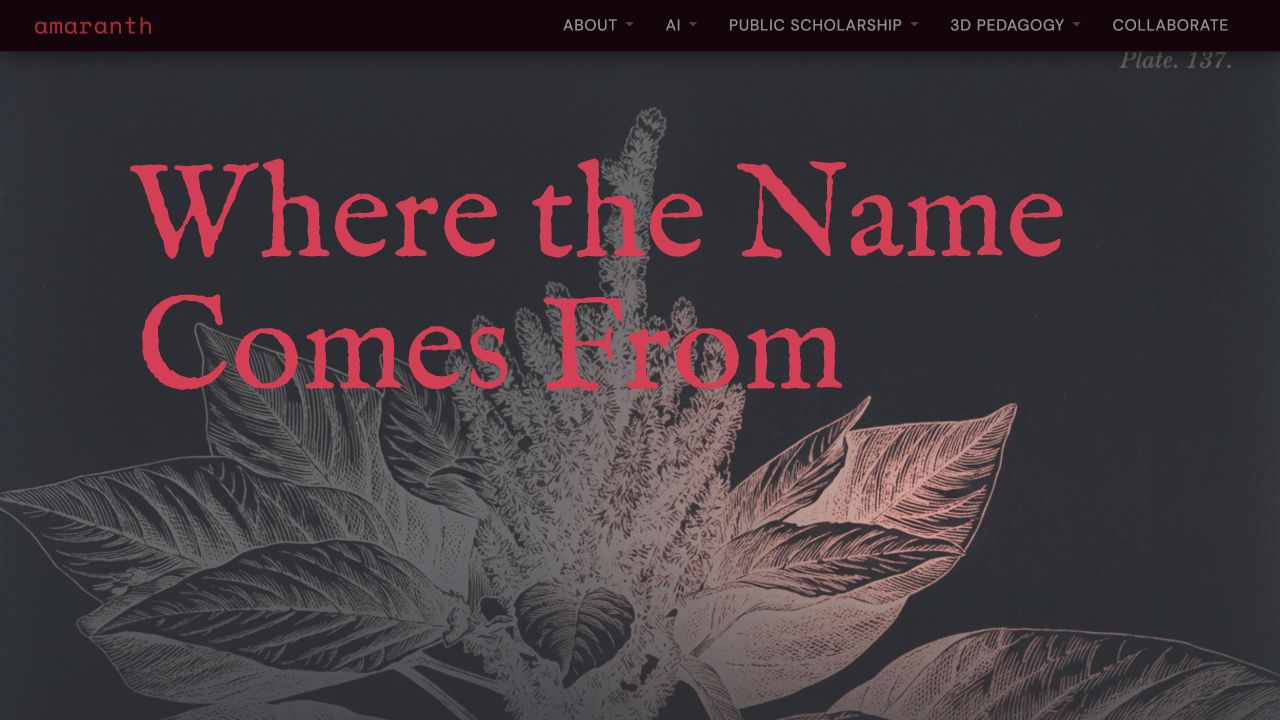
Botanical illustrations, literary history, and food connect a plant’s changing meanings to the work of a humanities studio. Notice how the images help carry the argument.
Read it as a finished essay, noticing where the changing view invites you to pause or connects one source to another.
Forest: explore the possibilities
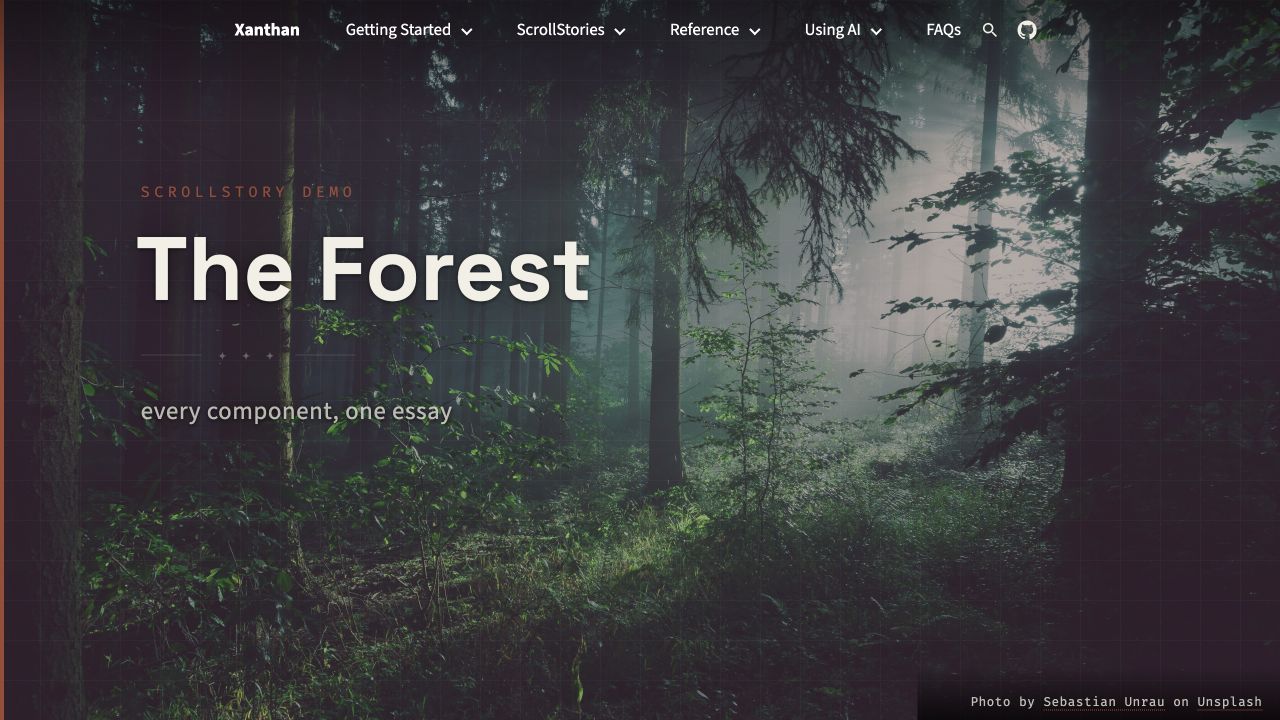
Images hold still, change, and give way to other views. Forest brings the toolkit together in one essay; borrow a moment that suits your argument.
Text moves beside images, and a comparison slider lets the reader inspect differences. There is no obligation to use the whole forest.
Trail: a story map
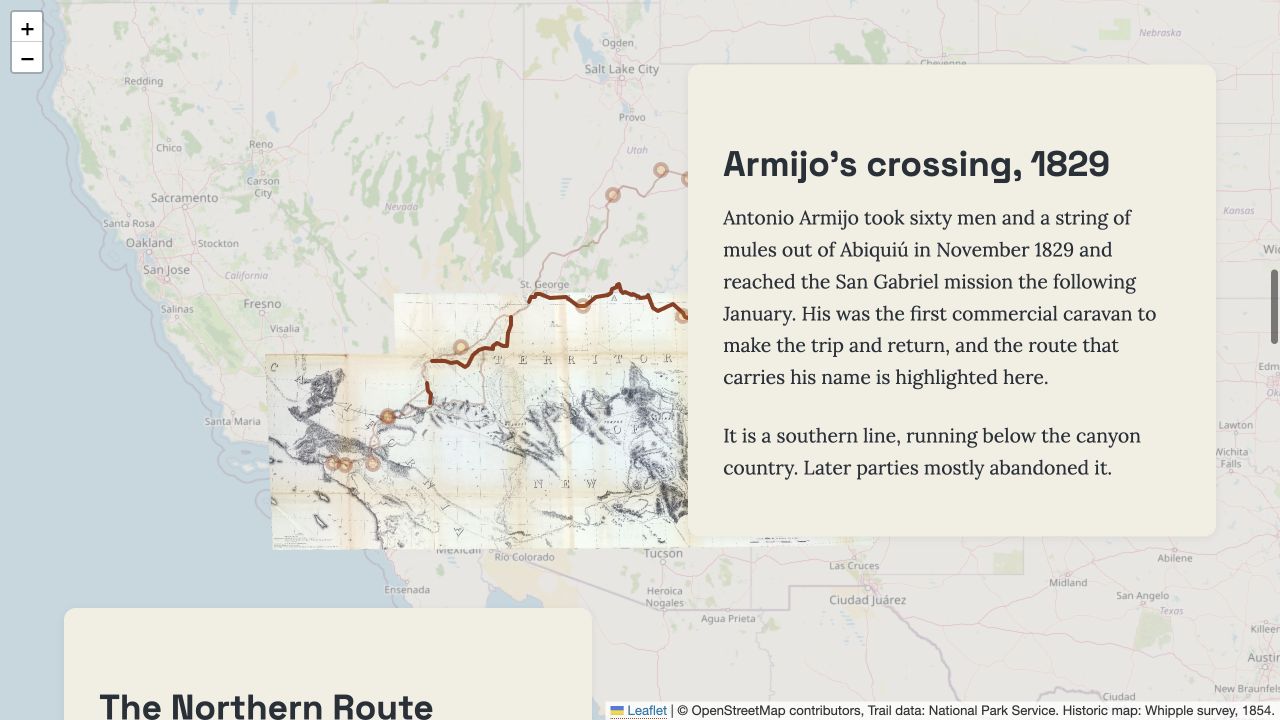
Follow a mule route from Santa Fe to Los Angeles across an 1854 survey map. Places and paths come into focus as the argument develops.
The route and the historic map tell different stories about the same country; their relationship becomes part of the interpretation.
Follow an argument
A Cultural History of Arkham Asylum
Hadas Segal puts Batman comics, personal memory, and the history of psychiatric institutions into conversation. Image comparisons and close readings make the visual sources part of the interpretation.
One story within a larger site
A visual essay can sit beside research and teaching in a Portfolio, join a class Essay Collection, or connect objects in an Object Collection. Single Story puts one narrative at the site’s center. Every starter supports the same storytelling tools.
The story shares your site’s navigation and design. Connect it to sources, related essays, a collection, or an account of how the research was done. Readers can follow the argument and then explore the work around it.
Start your own story with a few images and one passage of writing. You can build the rest from there.