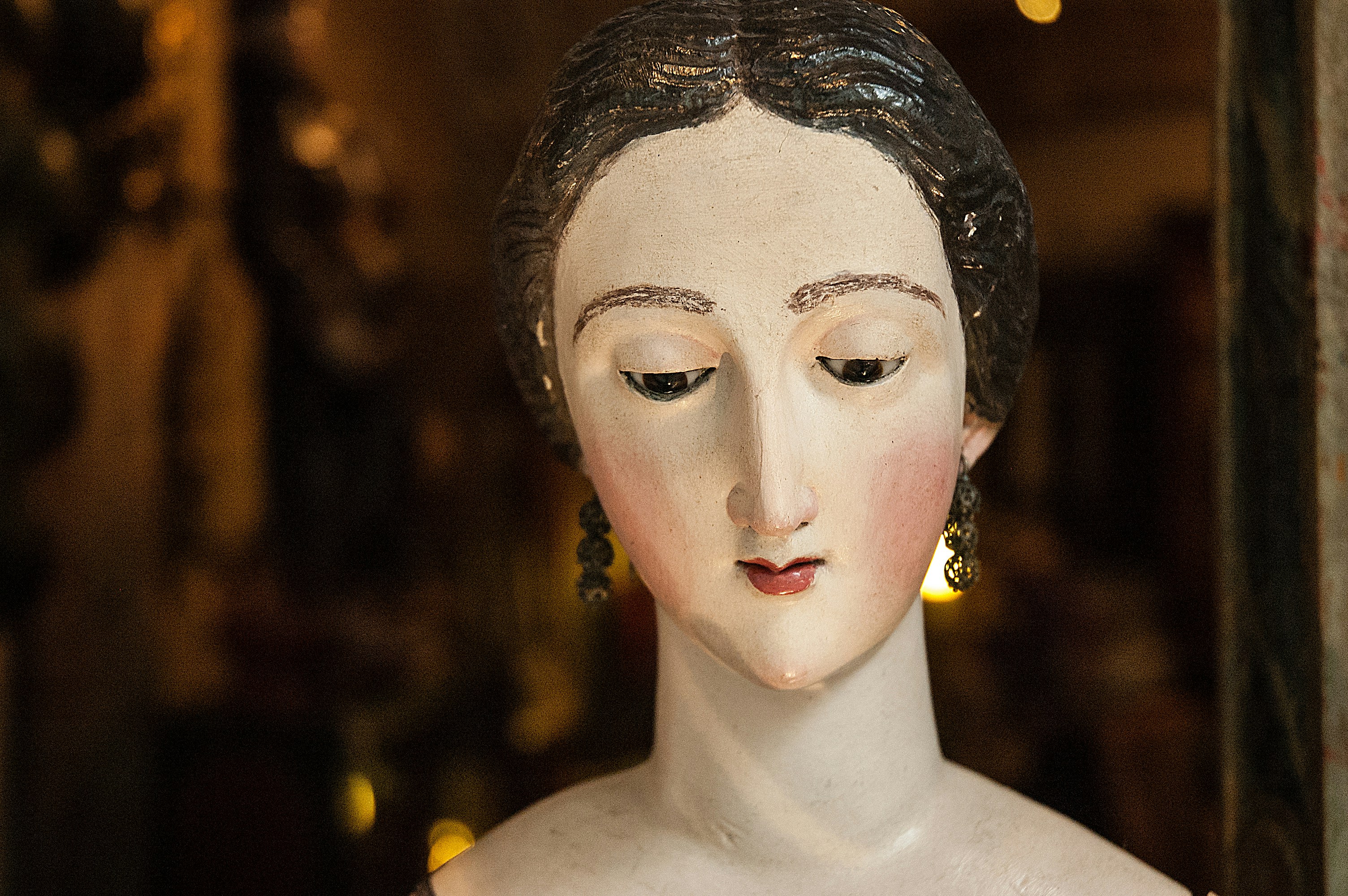
Profile Sidebar Demo
This page uses the nav-profile layout, which displays a profile sidebar on the left with an image, name, description, and links.
How it works
The profile sidebar is configured via _data/nav-profile.yml. The sidebar displays:
- Profile image: A circular profile photo at the top
- Name and description: Personal branding and bio information
- Social links: Quick links to your website, GitHub, social media, and contact information
Profile sidebar configuration
Edit _data/nav-profile.yml to customize:
settings:
  links_font_weight: normal  # or 'bold'

image_url: /assets/images/profile/profile-sample.jpg
alt_text: "Description of your photo"
name: Your Name
description: A brief bio or tagline

links:
  - title: Link Title
    url: https://example.com
    icon: fas fa-icon-name
Icon options
Use Font Awesome icons for links. Common options include:
fas fa-globe- Websitefab fa-github- GitHubfab fa-twitter- Twitterfab fa-linkedin- LinkedInfas fa-envelope- Emailfas fa-university- University profilefab fa-orcid- ORCID
Next steps
- Add your own profile image in
assets/images/profile - Update the profile data in
_data/nav-profile.yml - Copy this layout to pages where you want the profile sidebar to appear