Choose a Starter Site
Xanthan offers four starter sites, each a different shape of project: one person’s work, a collection of writing, a collection of objects, or a single continuous narrative. Pick the closest one—you can always add features later.
Browse the options below. See a live example, explore the clean starter site, then start with the one closest to your project. GitHub calls the final step “Use this template,” which is the green button you will click there.
Portfolio
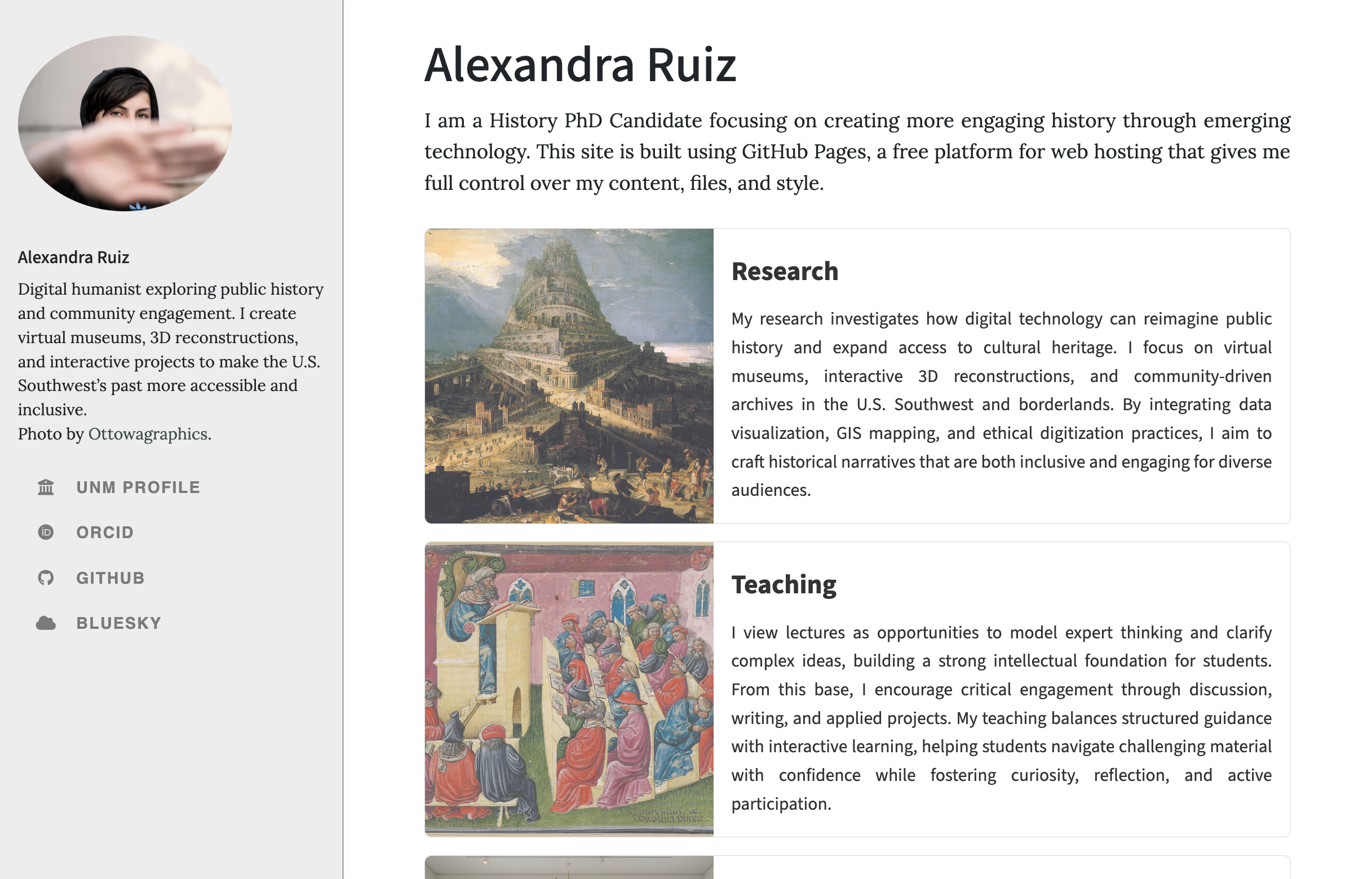
A personal or professional site for presenting your work, interests, and credentials. Comes with an about page, a CV, and sample project pages—the kind of structure that helps you own your professional identity rather than renting it from LinkedIn. This is the most common starting point for individual projects: a handful of pages with a clear top navigation bar connecting them.
Essay Collection
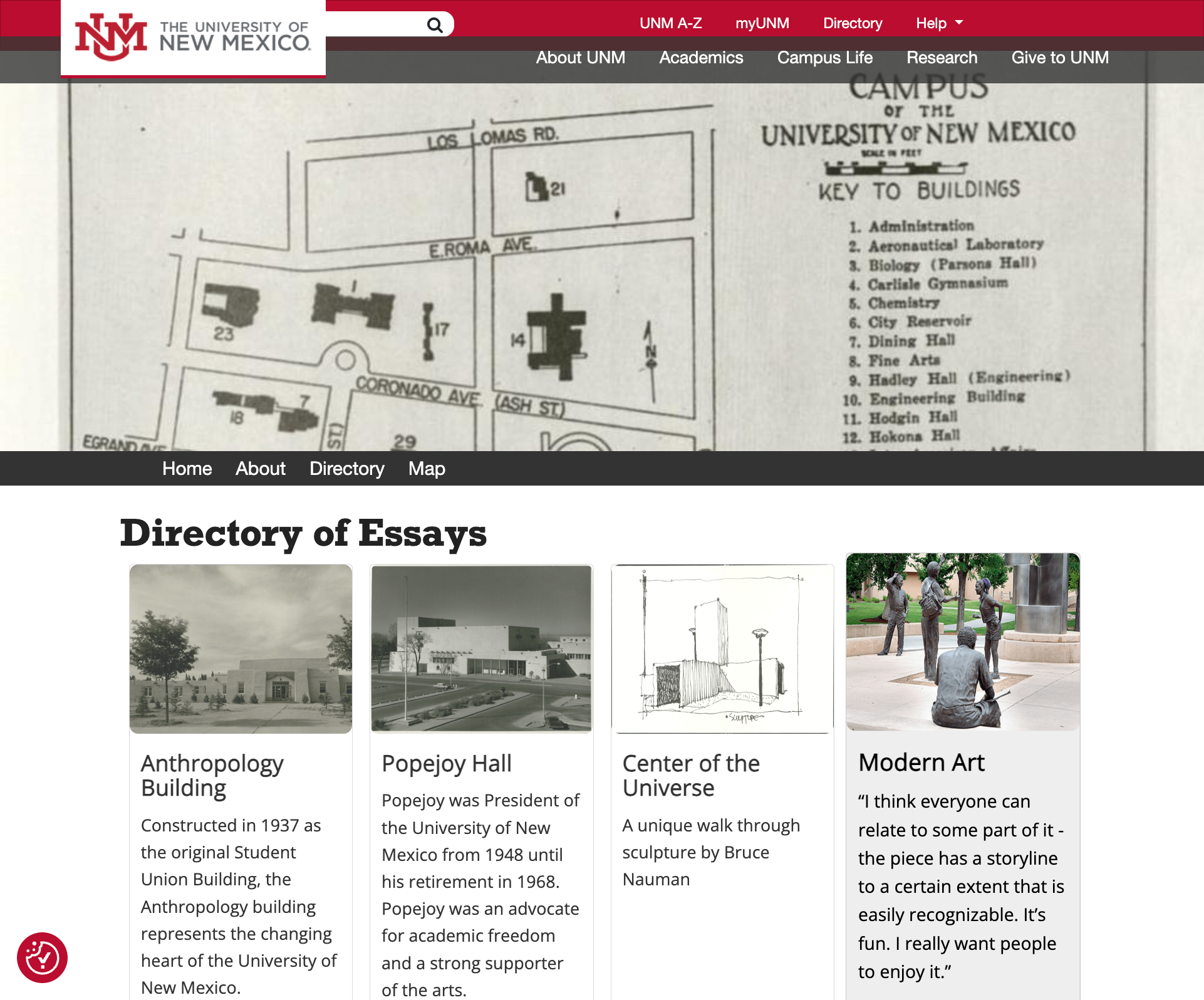
A site that gathers writing by many people around a shared theme: student essays, oral histories, reflections, a workshop archive. Card-based directory pages organize contributions automatically, so the site grows as people add to it. One person sets up the structure and contributors fill it in, which makes this the usual choice for course sites. Because the pages are plain text files, students can learn from each other’s work and the project remains editable long after the contributors have moved on.
Object Collection
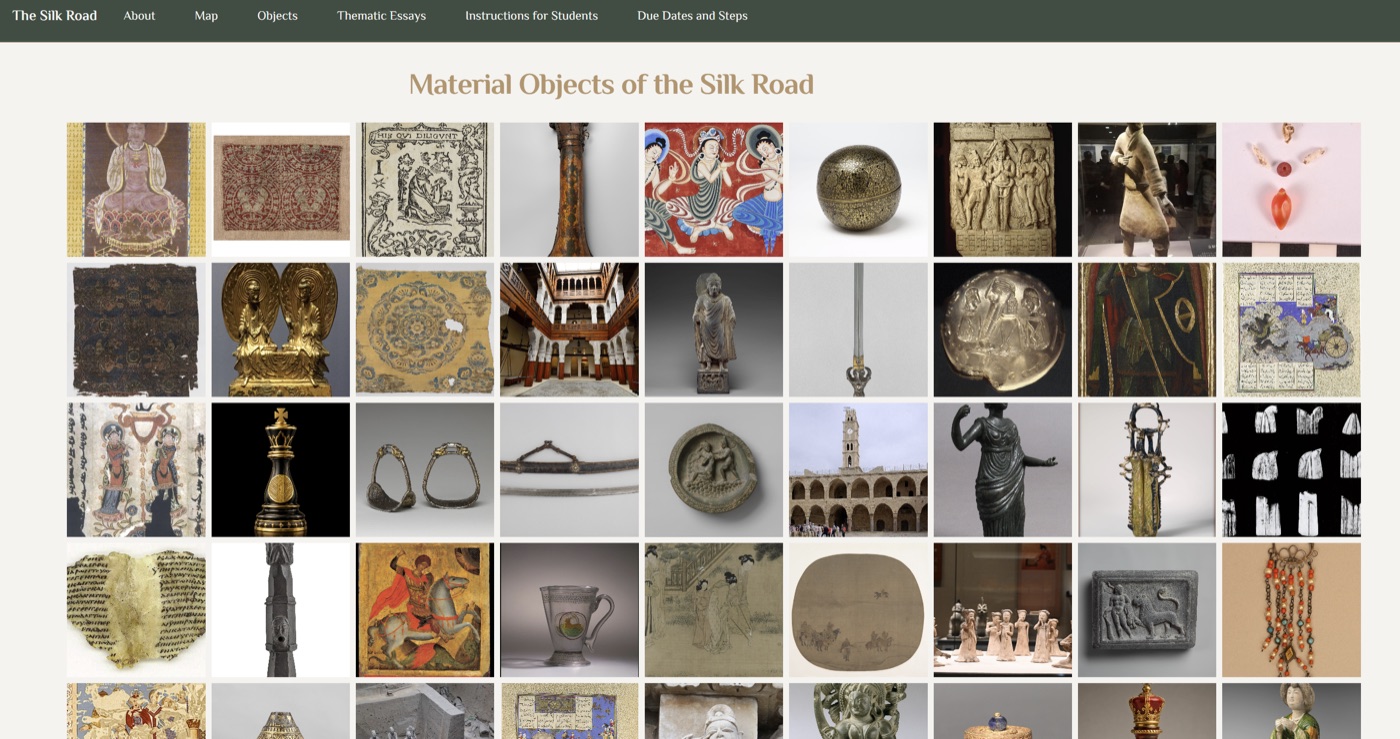
The same collaborative shape, but built around things rather than prose: artefacts, sites, specimens, images, places. Each object gets its own folder and page carrying what you actually catalogue—an image, a date, a medium, coordinates, tags—written once and read everywhere: an image-first grid assembles the directory, a gallery hangs the same objects at their own proportions, and adding geo coordinates puts them on a map without a second list to maintain. An essays folder holds the arguments that run through several objects rather than describing one, each essay naming what it draws on so the objects’ pictures and links assemble themselves.
Choose this over Essay Collection when the object is the entry and the writing supports it. A digital exhibit, a material-culture course, a site survey, a collection catalogue.
Single Story
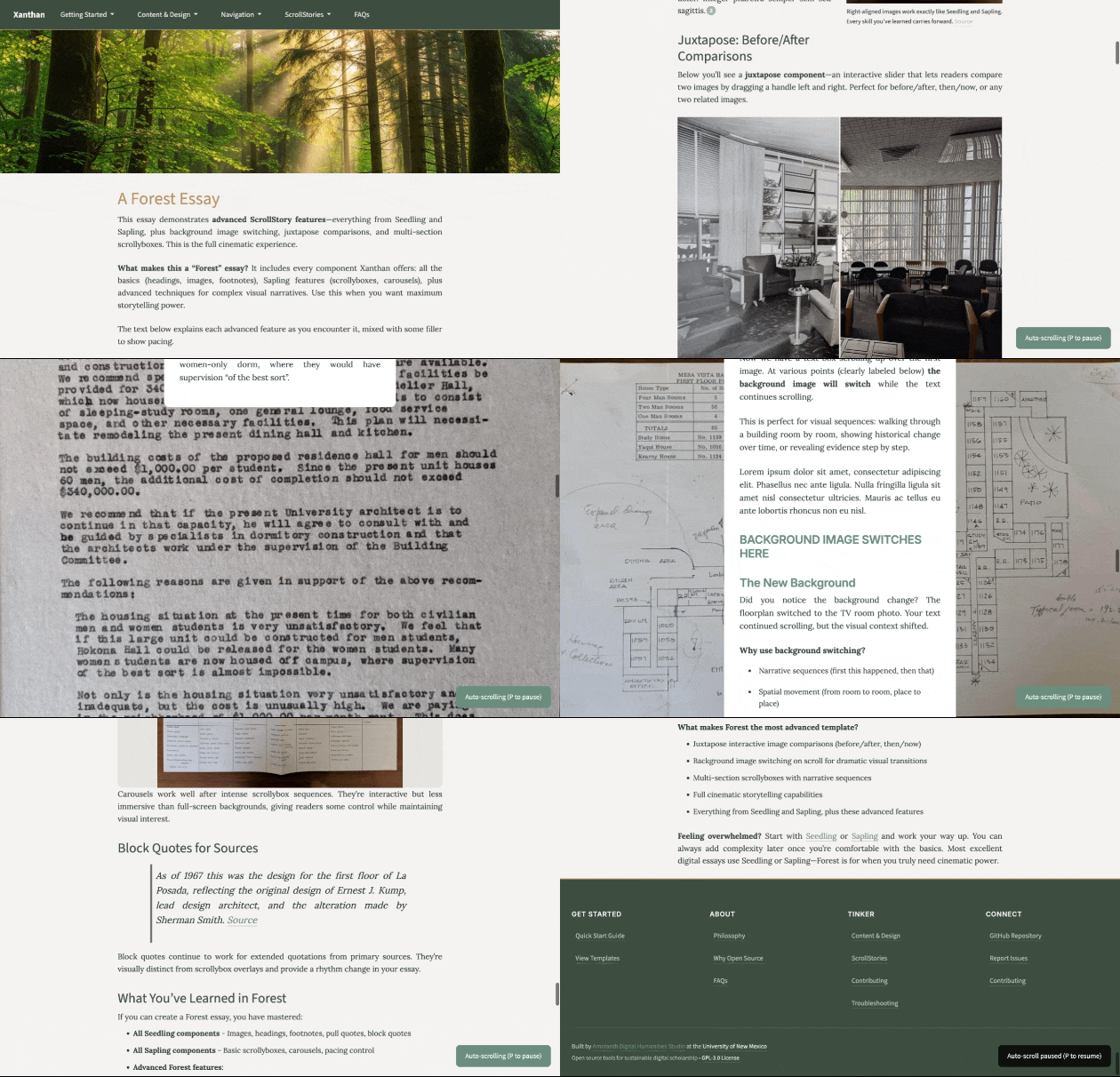
If you’ve used StoryMaps, the shape will feel familiar: text, images, maps, and media unfolding as the reader scrolls. This starter site puts that form at the center: the whole site is one narrative, ready to edit and extend.
Every Xanthan site can publish ScrollStories—it is a feature, not a format you have to commit to. Choose this starting point only when the narrative is the site, rather than one page inside a portfolio or a collection. The work still happens in plain text files, so you can revise by hand or ask AI to help build sections without giving up editorial control.
Not sure?
The difference between them is usually a few files and some starting examples. Every one ships the full set of components, including ScrollStories. Pick the closest shape, then add or remove pages as your project clarifies.