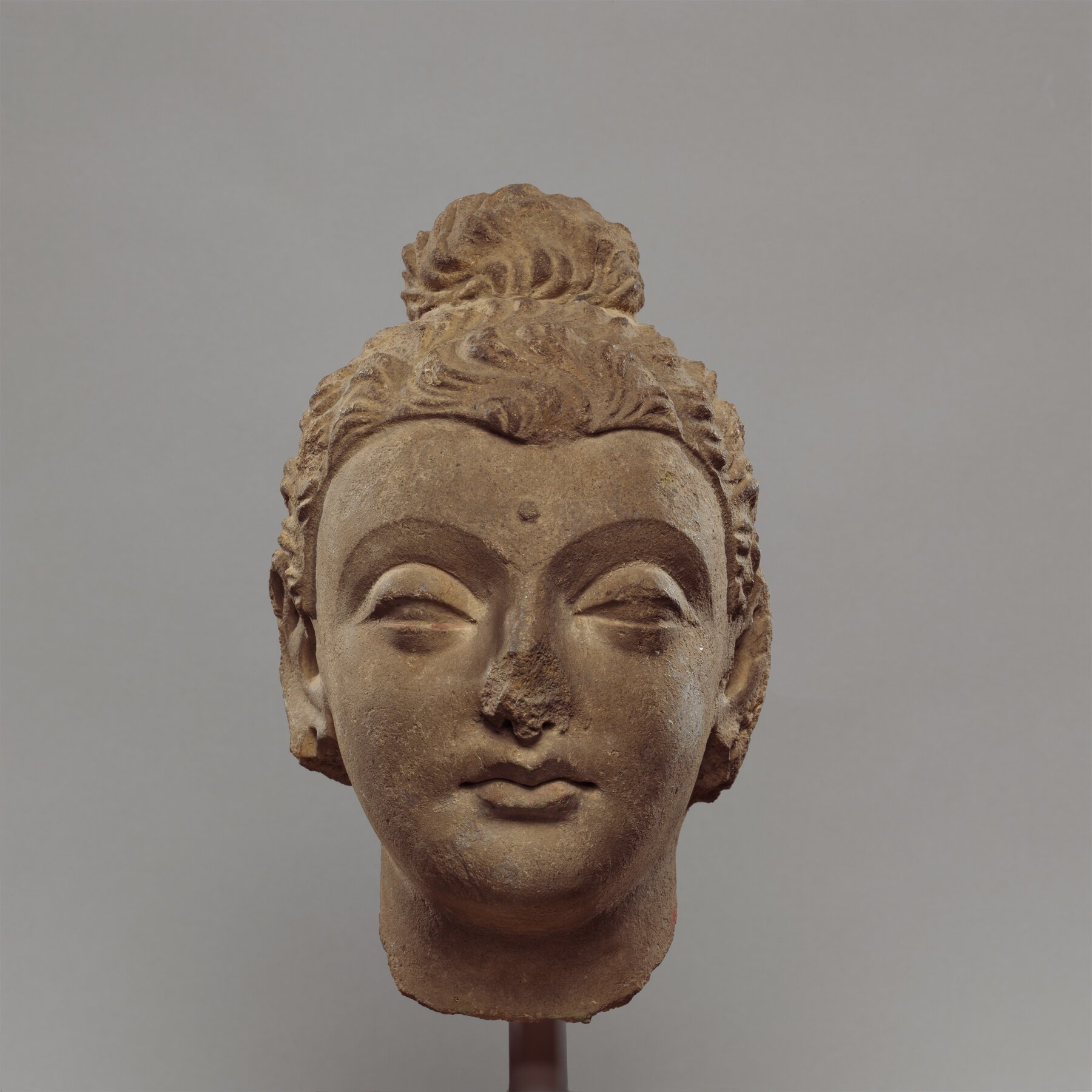
Head of the Buddha
A stucco head in which a South Asian subject is carved with Greek sculptural habits — a single object holding two traditions at once.
The same objects as the directory, seen all at once. Nothing here is cropped to a common square: a tall scroll stays tall and a wide dish stays wide, because the proportions of a thing are part of what a picture of it tells you. Titles and summaries wait until a tile is hovered over or tabbed to, so the pictures have the page to themselves.
A stucco head in which a South Asian subject is carved with Greek sculptural habits — a single object holding two traditions at once.
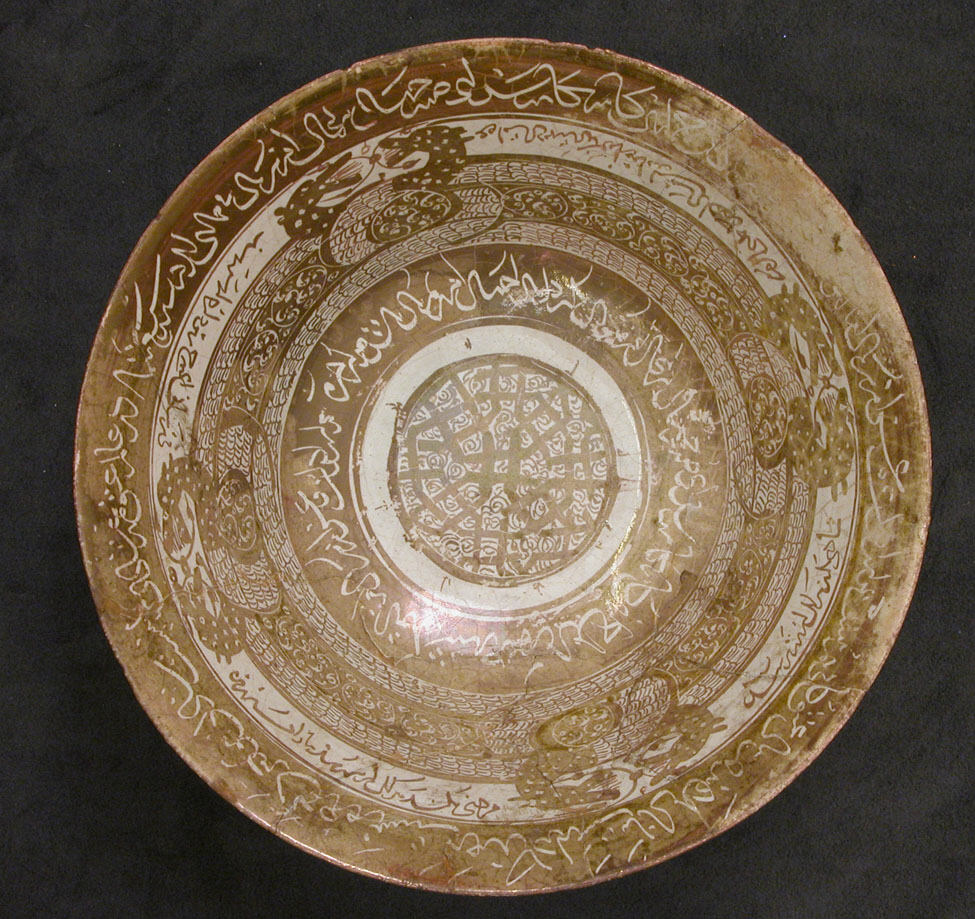
Coiled dragons meet at the centre of a glazed bowl, in a motif read by some scholars as a device against eclipses.
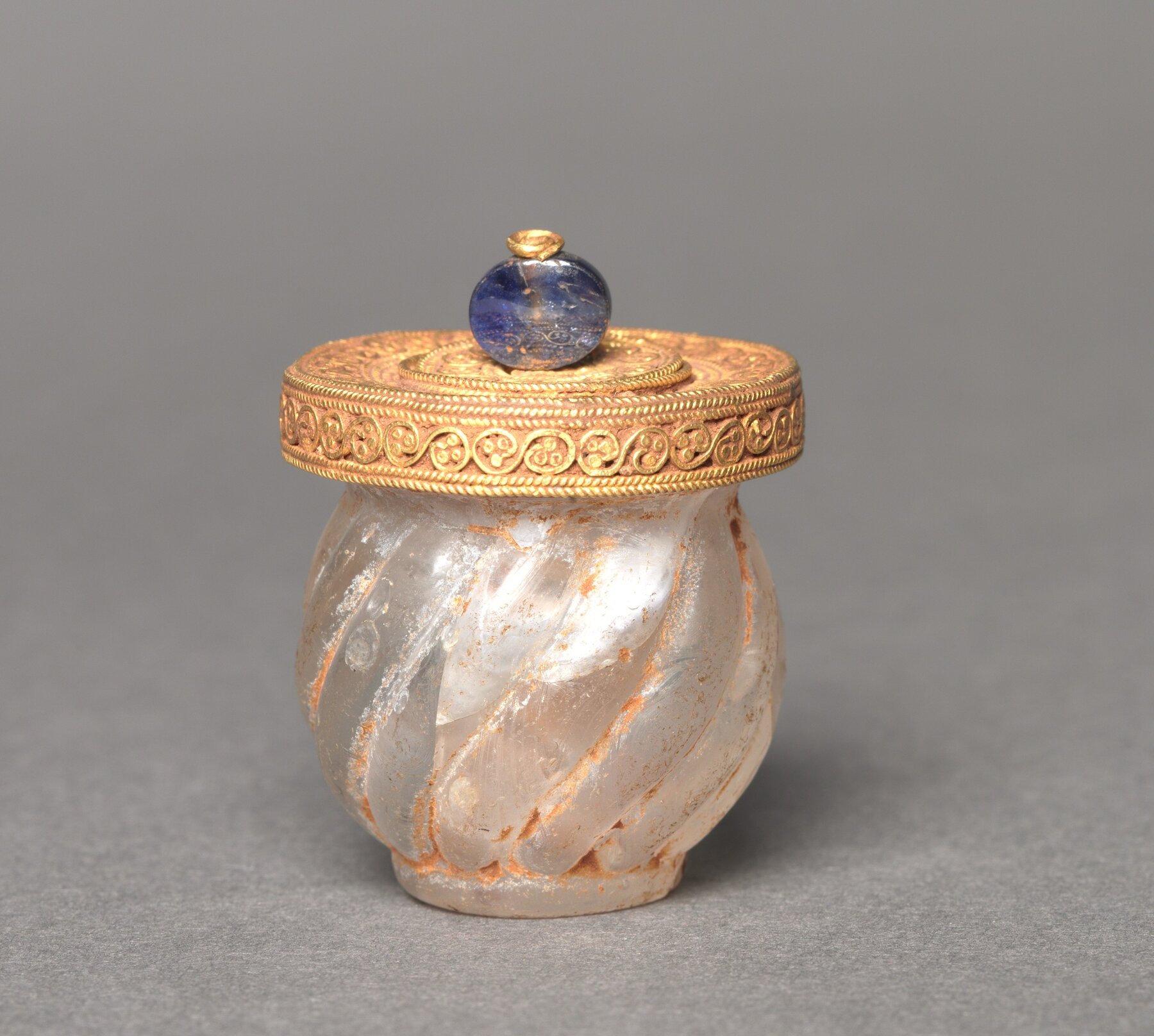
A small lidded jar in costly materials, made for a substance that has not survived — evidence of a trade in things that leave no trace.
The objects page is a directory. It squares every tile so the entries line up and can be read down like a list, which is what you want when a reader is looking for something in particular.
This page is for the other kind of looking — the reader who does not yet know what they are after and wants to see what is here. Shape, scale, colour, and condition all survive the trip to the screen when the crop does not flatten them, and a wall of objects at their own proportions is where a collection starts to look like a collection rather than a catalogue.
Neither page is more correct. Keep both, or delete the one your collection does
not need — deleting gallery.md removes this page and nothing else.
Nothing on this page is a list anyone maintains. The two lines above the
include ask Jekyll for every page under objects/, and each one that has a
title and a thumbnail becomes a tile:
{% assign objects = site.pages
   | where_exp: "p", "p.path contains 'objects/'"
   | where_exp: "p", "p.path != 'objects.md'" %}
Add a folder under objects/ and a tile appears here. Delete the folder and it
goes. The tile’s picture is that object’s thumbnail, its title is title, and
the text on hover is summary — the same three fields the directory, the map
popups, and search all read. See Instructions
for the full list.
Every knob is a parameter on the include above.
| Change | How |
|---|---|
| Bigger or smaller pictures | min-width="220px" — the width of a column. Larger means fewer, bigger tiles |
| Tighter or looser spacing | gap="var(--spacing-sm)" |
| Titles only, no summary | show-summary=false |
| Nothing but pictures | show-title=false show-summary=false |
| Stop at the text column | Replace class="gallery-grid--bleed" with class="gallery-grid--wide" |
| Square tiles after all | variant="uniform", or variant="mosaic" for varied sizes |
| A different image field | image-field="header-image" |
One very tall picture would otherwise stretch into a column of its own, so a
tile crops from the centre once it reaches max-height. Add the parameter to
the include and raise it for a collection of scrolls and hanging textiles, or
lower it for a more even wall:
max-height="40rem"
The gallery does not have to be everything. Narrow the query and the page becomes a themed room — one material, one place, one tag:
{% assign objects = site.pages
   | where_exp: "p", "p.path contains 'objects/'"
   | where_exp: "p", "p.tags contains 'ceramics'" %}
Copy this file, change that one line and the heading, and you have a second gallery beside the first.